Interview XP Software
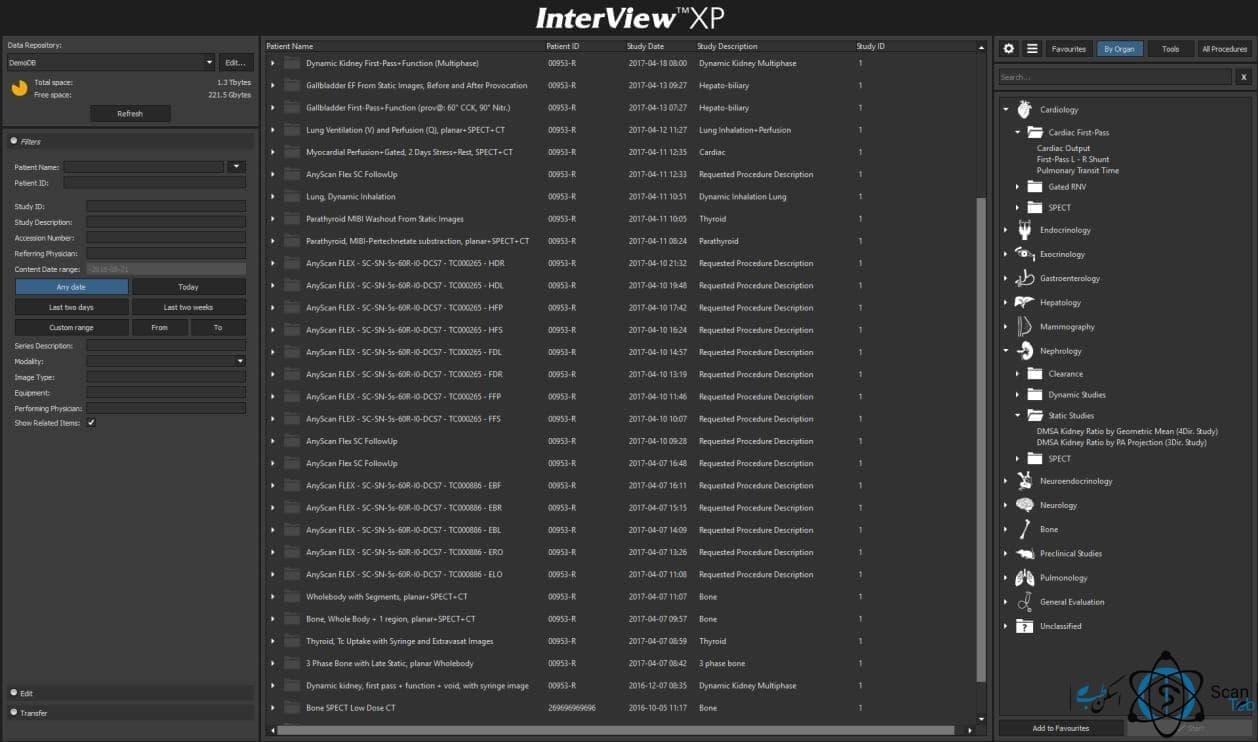
InterViewXP
InterViewXP software is a software for processing and studying nuclear medicine images received from Gamacemra-Spect device. This software is based on Windows and can be installed on Windows operating systems.
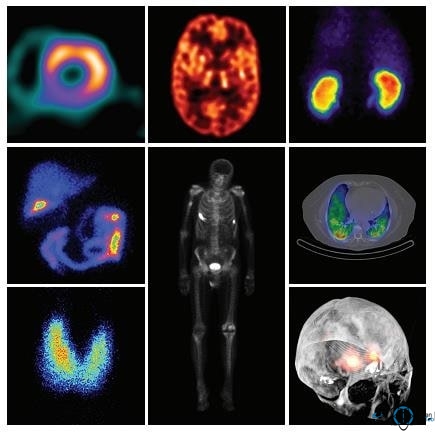
InterViewXP is a proprietary medical core image processing software for each type of SPECT and full-body study that runs under Windows operating systems, InterViewXP software is known as a very user-friendly software. This software with very high capabilities allows the user to be able to choose different colors based on their taste for alongside the high resolution of providing quality image Excellent support in several formats.
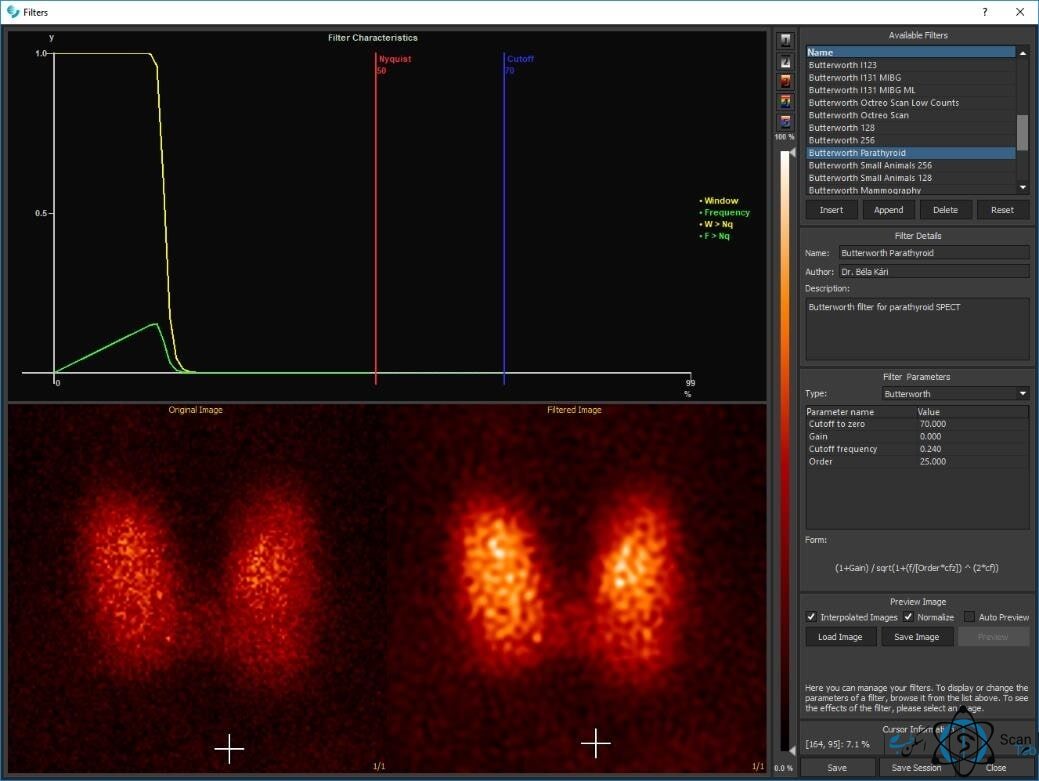
[caption id="attachment_4939" align="aligncenter" width="1258"]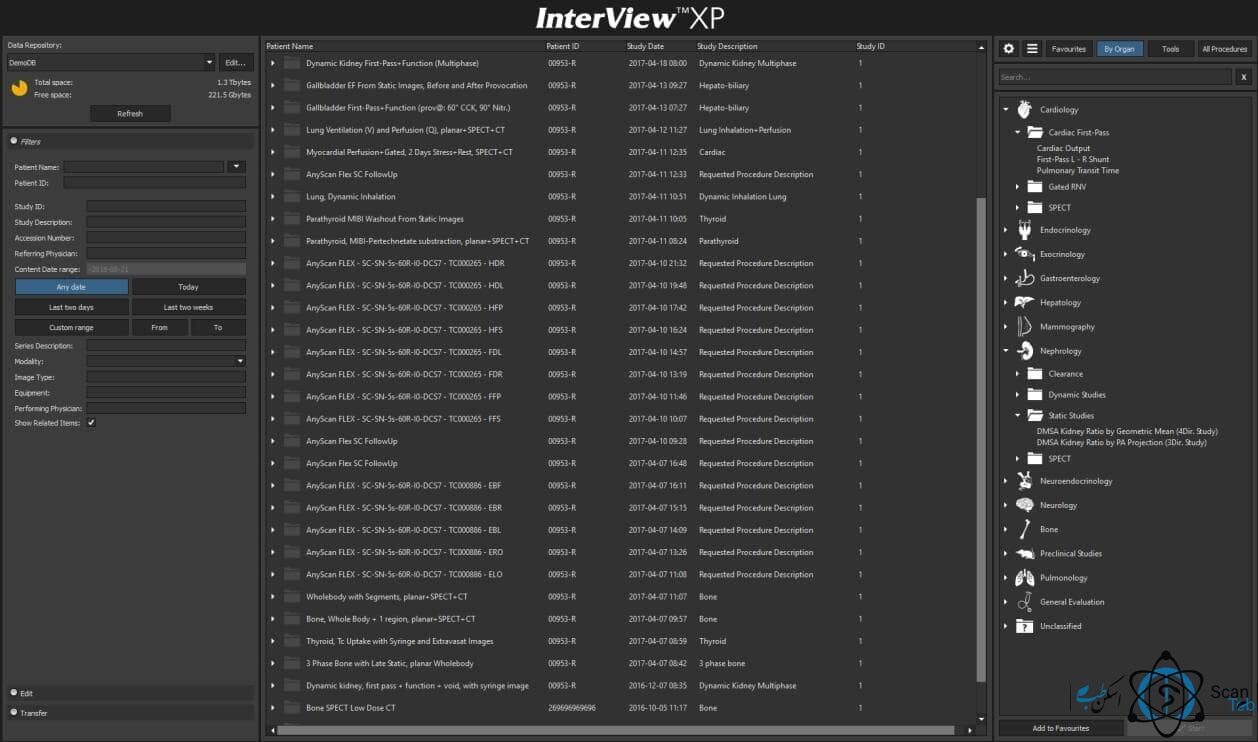 Interview XP Software[/caption]
[caption id="attachment_4940" align="aligncenter" width="1176"]
Interview XP Software[/caption]
[caption id="attachment_4940" align="aligncenter" width="1176"]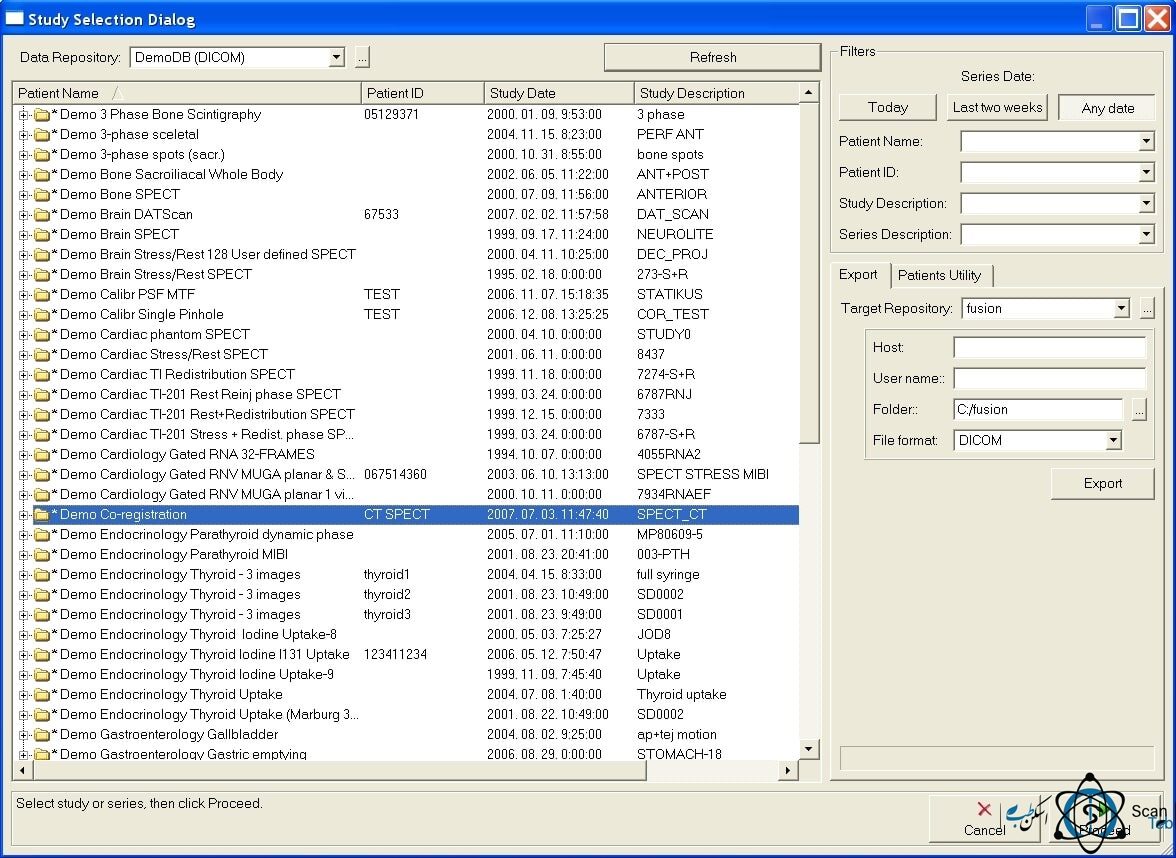 Interview XP 1 Software[/caption]
Using this software, which classifies and sorts images according to different organs, the user can easily control and process each of the images as desired by fully automated processing tools. All the processing stages are completely separate and in each stage that is a page (windows) in the software environment allows the user to return to the previous steps if necessary to make corrections.
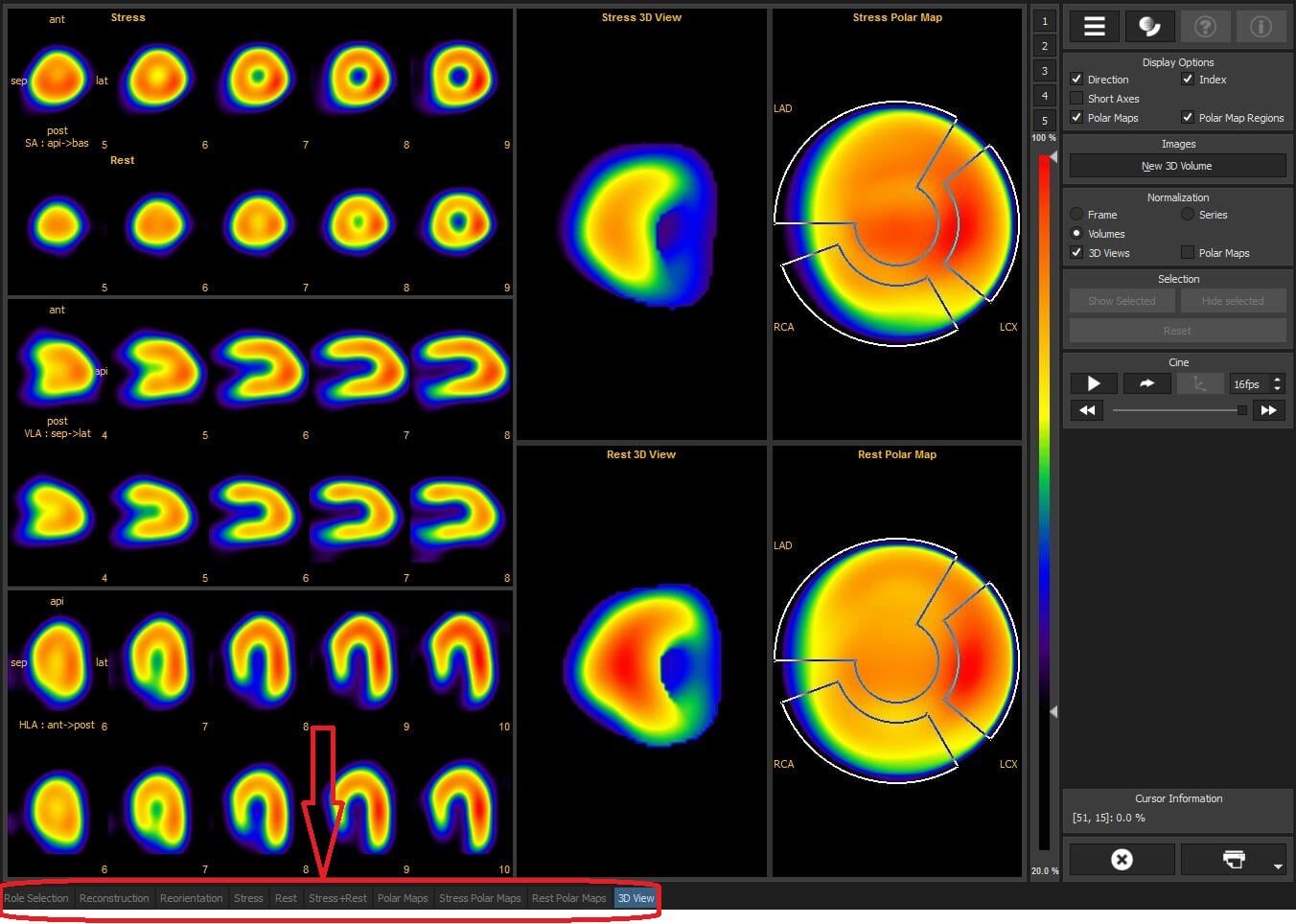 [caption id="attachment_4949" align="aligncenter" width="1279"]
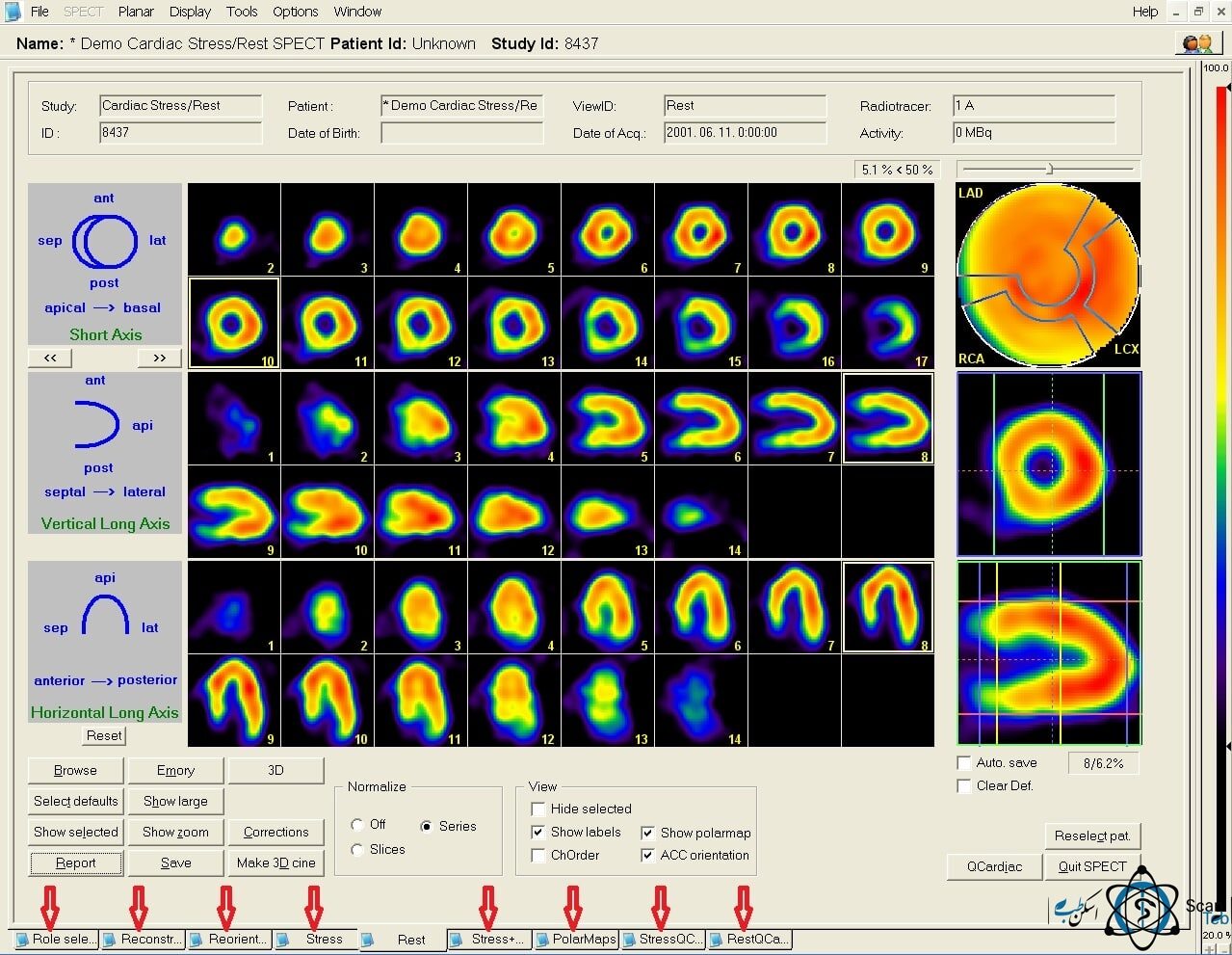 Nuclear medicine cardiac scan with Gamace-Mediso[/caption]
In InterViewXP software, the user can easily define the desired combination for processing images, texts and final printing of images using their own patterns and even define the format and shape of the pages in which they process images in an eye-catching way.
InterViewXP software can process all DICOM images, so this software package supports data exchange with any nuclear medicine workstation using standard DICOM industry protocols and can be used for all nuclear medicine devices. This software also has the ability to send the processed images to the hospital PACS. InterViewXP software has been designed, built and programmed by the company Mediso, and so far three different versions of this software have been released to the world nuclear medicine market.
Software and hardware requirements for installing InterViewXP:
Due to the capabilities and facilities that different computer software have every software needs its own special hardware so that software can operate easily, without problem and promise without shutting down the system (software and hardware). InterViewXP is no exception, especially since image processing software requires higher configuration than other medical software and general software in general.Software requirements for InterViewXP:
•Os: Professional Windows® XP software with Service Pack2 or higher.DICOM server requirements for InterViewXP:®
• DICOM Mediso server (this software also installs Microsoft® SQL Server 2005 RDBMS settings)Monitor Settings:
• Screen resolution: 1280*1024 pixels with 16 million colors (32-bit color quality) and above. • DPI setting: "Big size (120 DPI)". The above settings in Windows® XP can be set in the "Display Properties" window.Hardware requirements for InterViewXP, (workstation configuration):
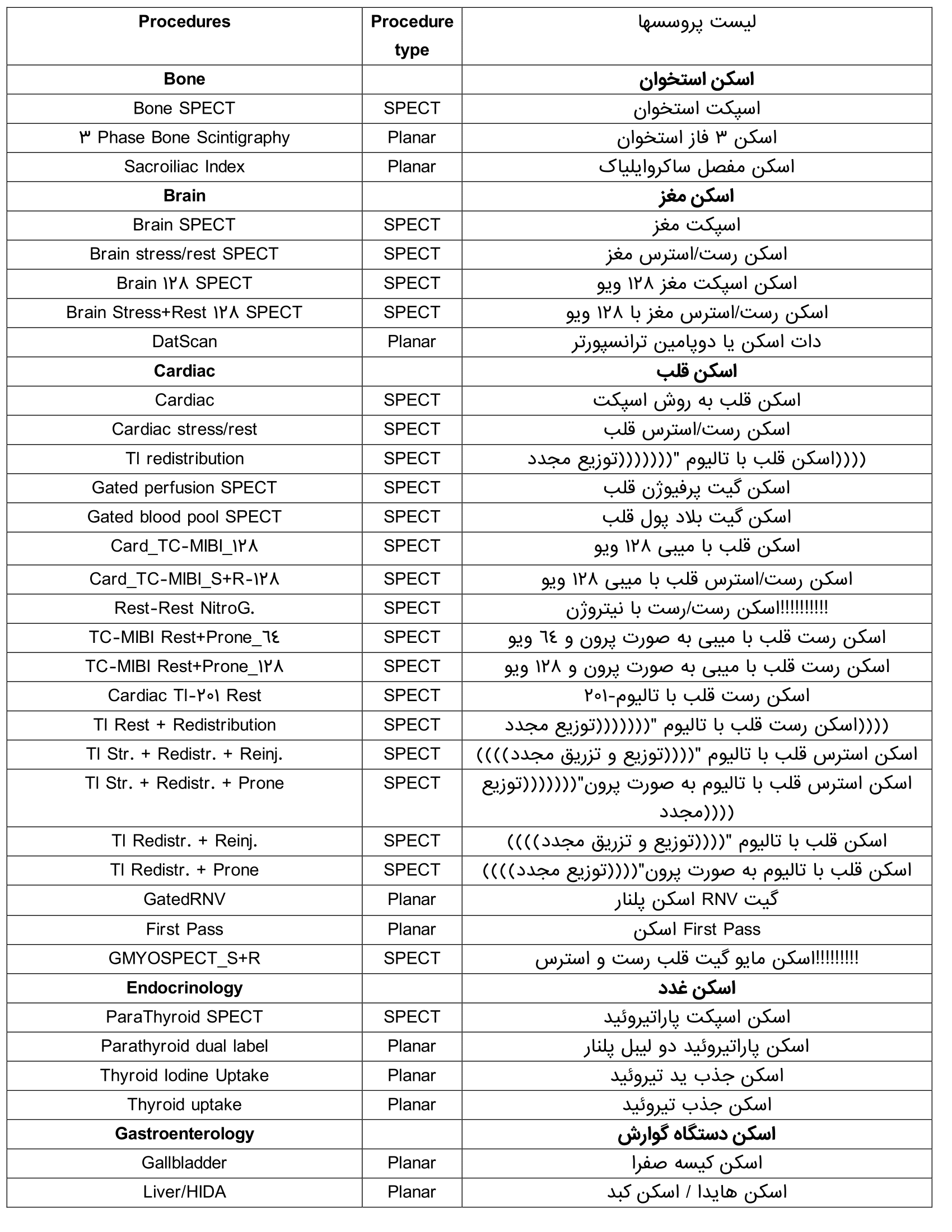
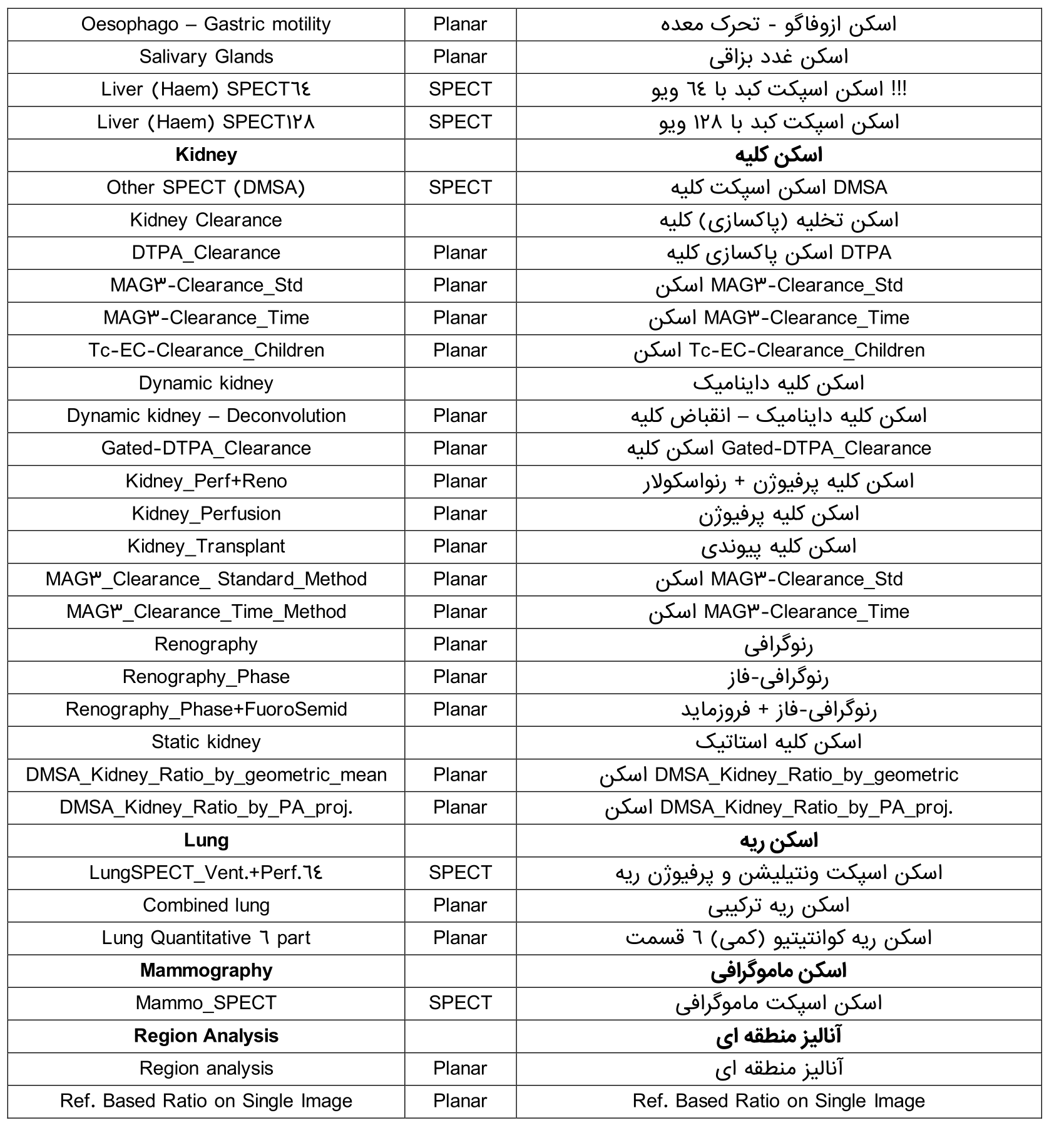
Due to the fact that InterViewXP is a picture processing software, the better components used to collect the system hardware (workstation), ultimately the speed of processing images as well as the user's performance will increase. Therefore, we will examine the minimum hardware requirements for processing nuclear imaging (Planar and SPECT) by InterViewXP software below: - Core i3, 4 GHz and higher - 4GB RAM (may limit performance and some features) - Graphics card with 256MB RAM - HDD at least 1GB of free space without DICOM server. - Required ports of InterViewXP: At least 3 USB ports - CD or DVD reader - Mouse and keyboard - Minimum hardware requirements for nuclear imaging (Planar and SPECT assessment) The list of processing images that can be done by InterViewXP software is presented in the following table: